Import your order sheet.
Bring products into Ocelr from your order sheet and reduce manual retyping.

New: import products from your order sheet
Import products from your order sheet into Ocelr, organise your purchasing and prepare products to upload to Shopify. Less retyping. A clearer product journey.
Enquire about a demo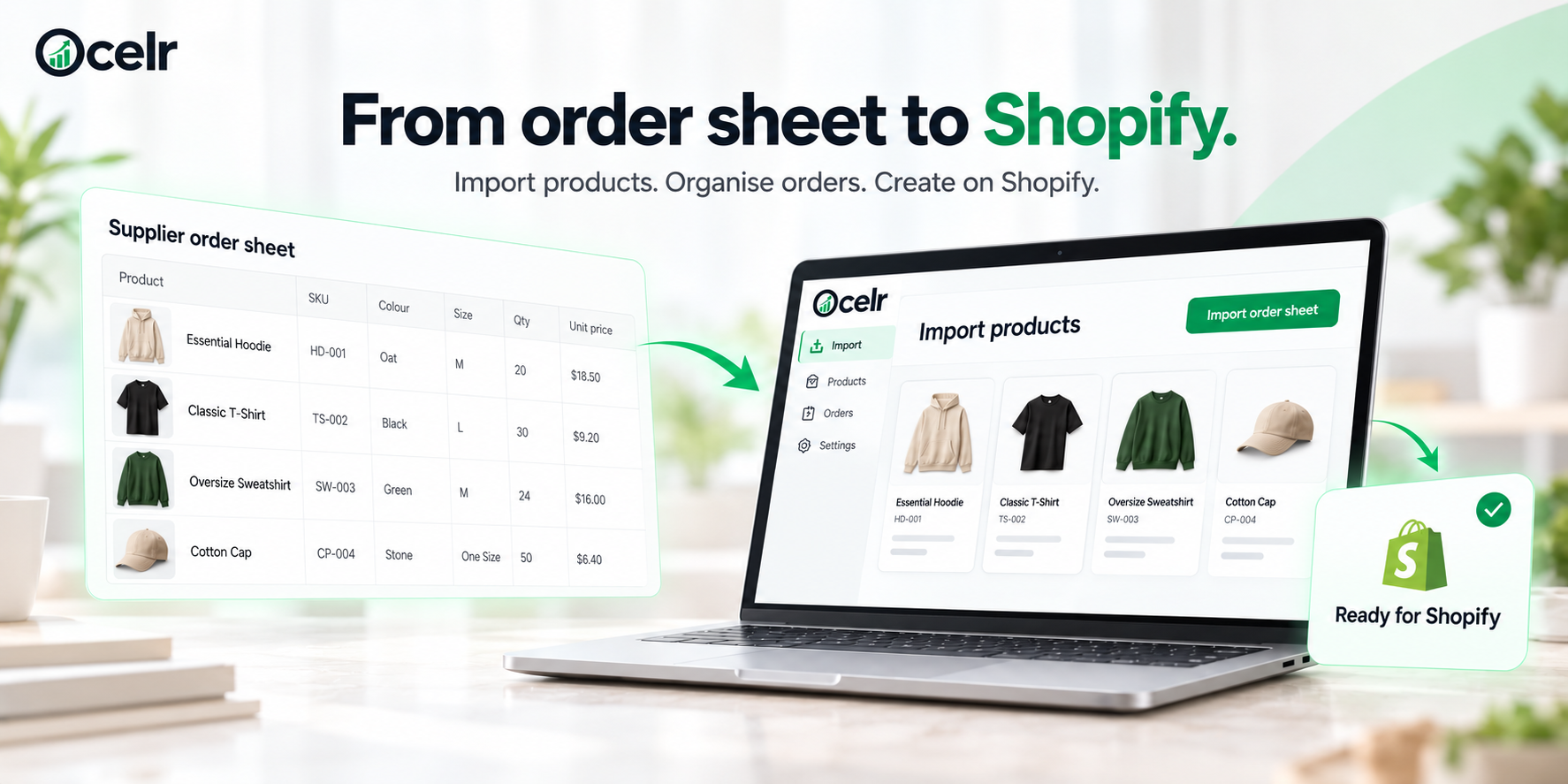
Illustrative product import interface.
Bring in products from your order sheet.
Keep orders, spend and arrivals in view.
Create SKUs and barcodes.
Create your products in Shopify.
Before the stock arrives
Import your products, keep track of purchasing and prepare for Shopify. Bring the work between buying and selling into one place.
Bring products into Ocelr from your order sheet and reduce manual retyping.
See the value committed to purchasing.
Plan ahead with expected delivery dates.
Create clear purchase orders for suppliers.
Generate unique SKUs and prepare barcodes when required.
Use your imported products as the starting point for creating products on Shopify.
Start with the order sheet you already have and keep your product journey moving.
Import products from your order sheet into Ocelr to reduce manual entry.
Review what is ordered by vendor, what you have spent and what is due to arrive.
Prepare your product details, generate unique SKUs and create your Shopify products.
The bigger picture
Keep track of orders by vendor, purchasing spend and expected stock arrivals.
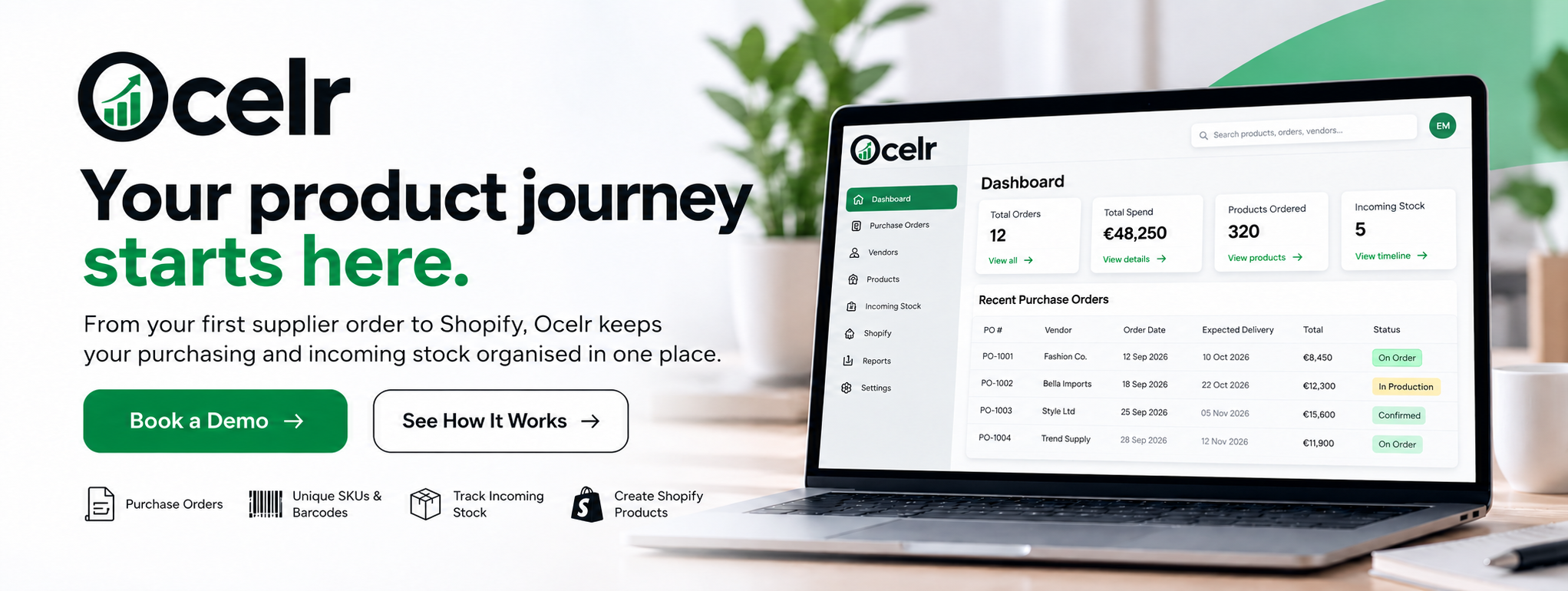
Illustrative dashboard. Example figures and interface.
Enquire about a demoTell us about your store and we’ll discuss how Ocelr could fit your buying process.